Welcome to shojiwm-win7
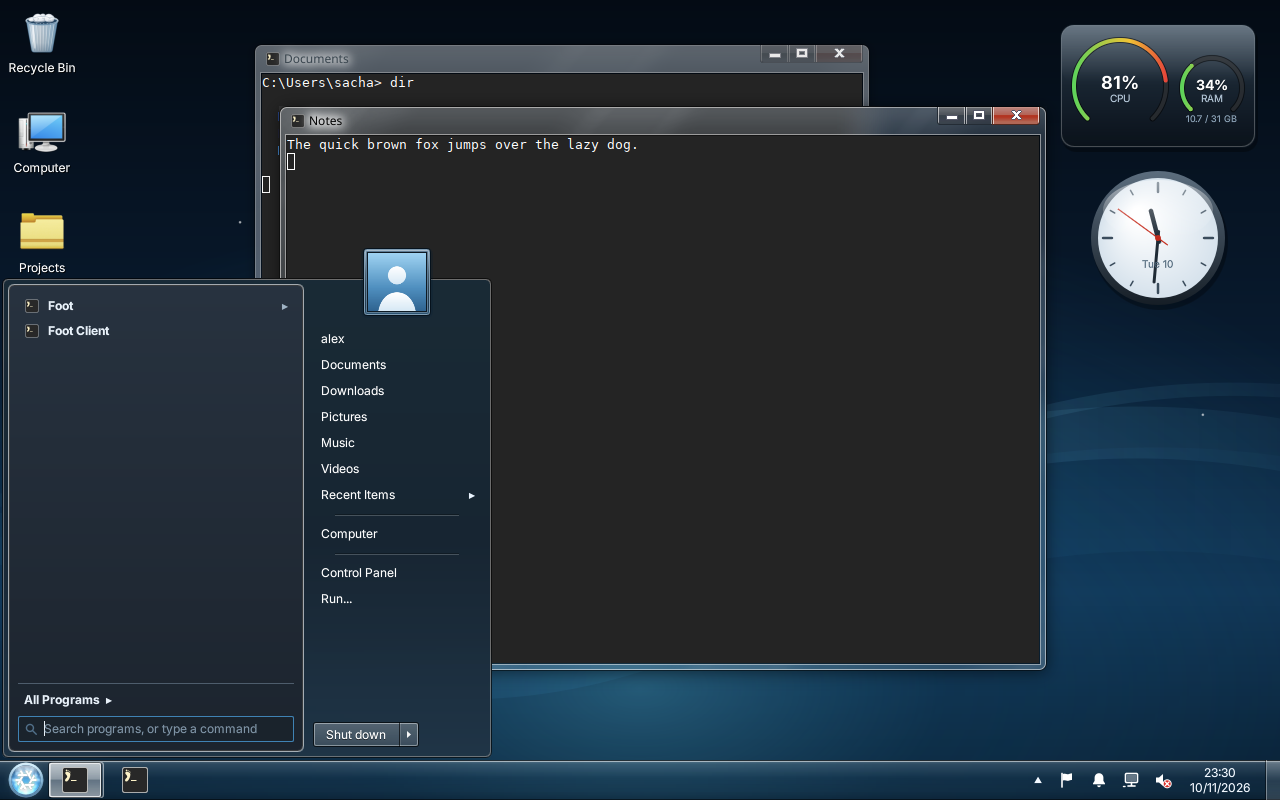
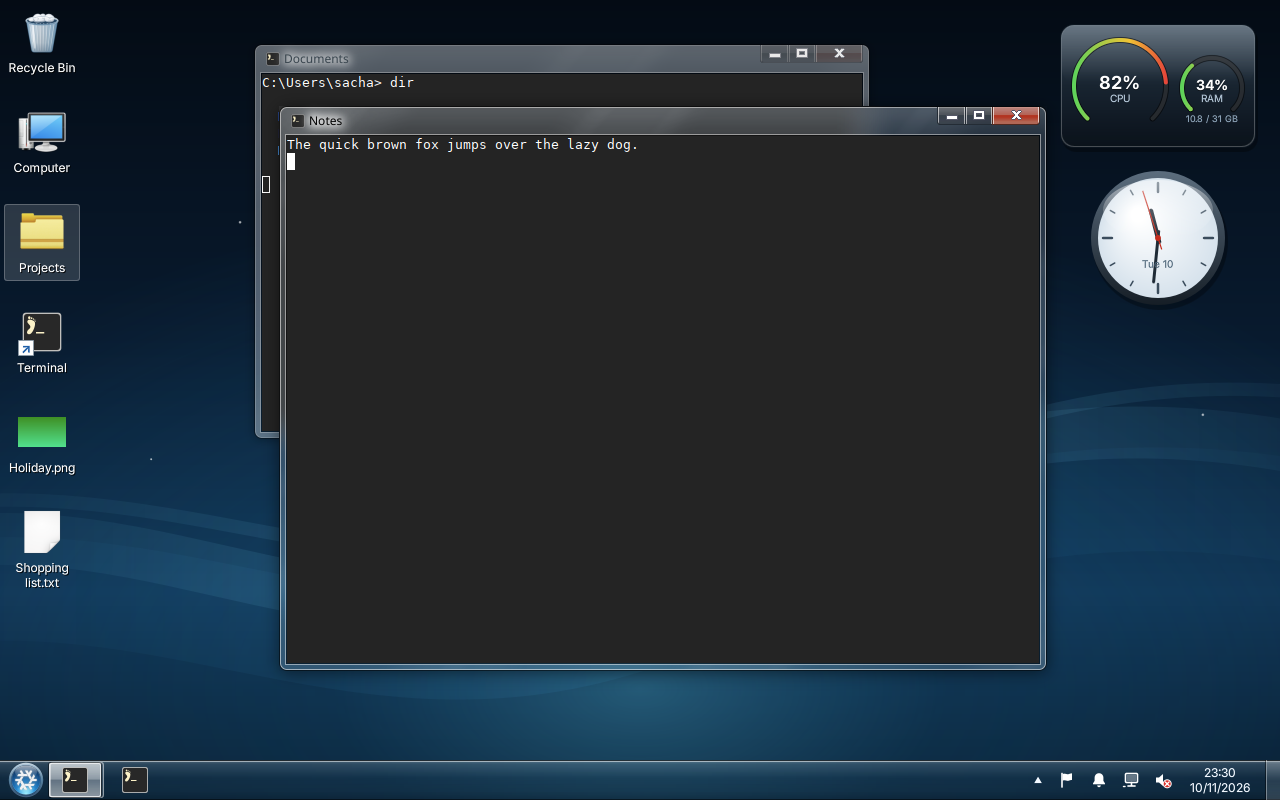
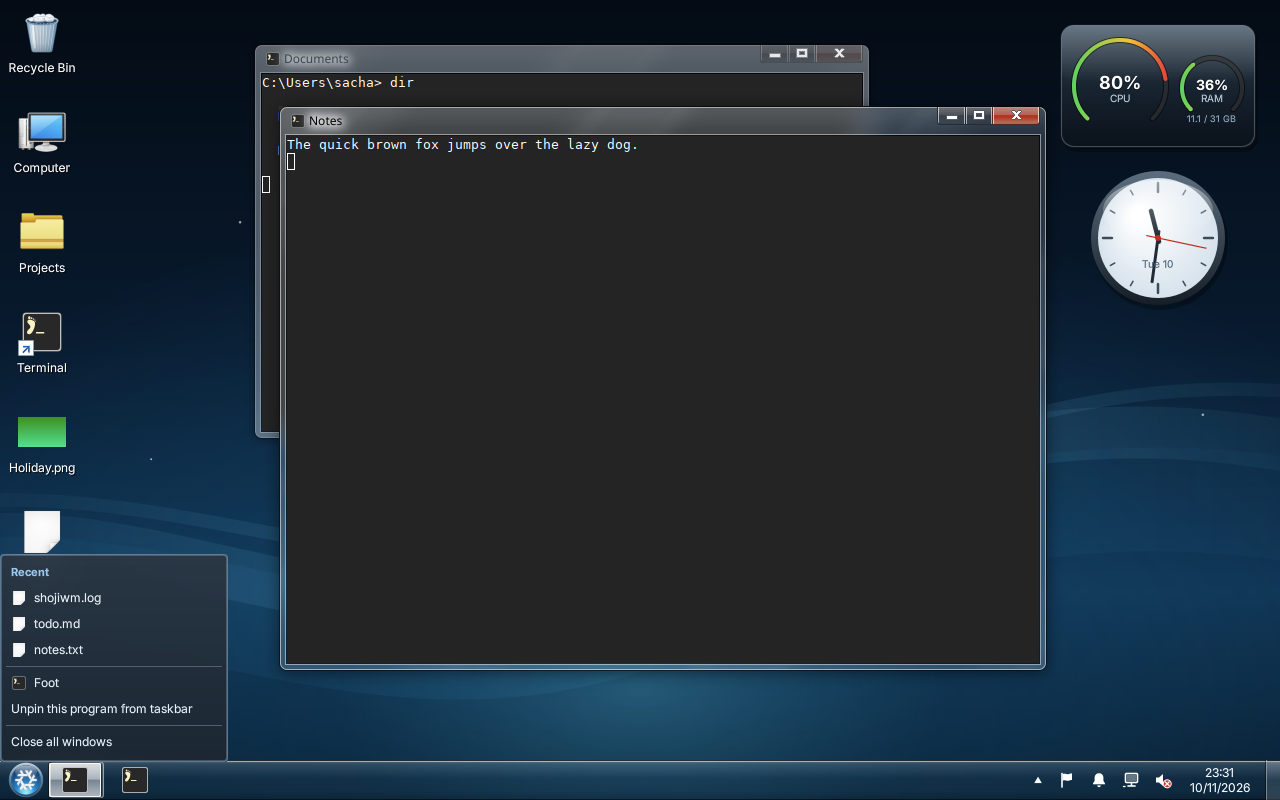
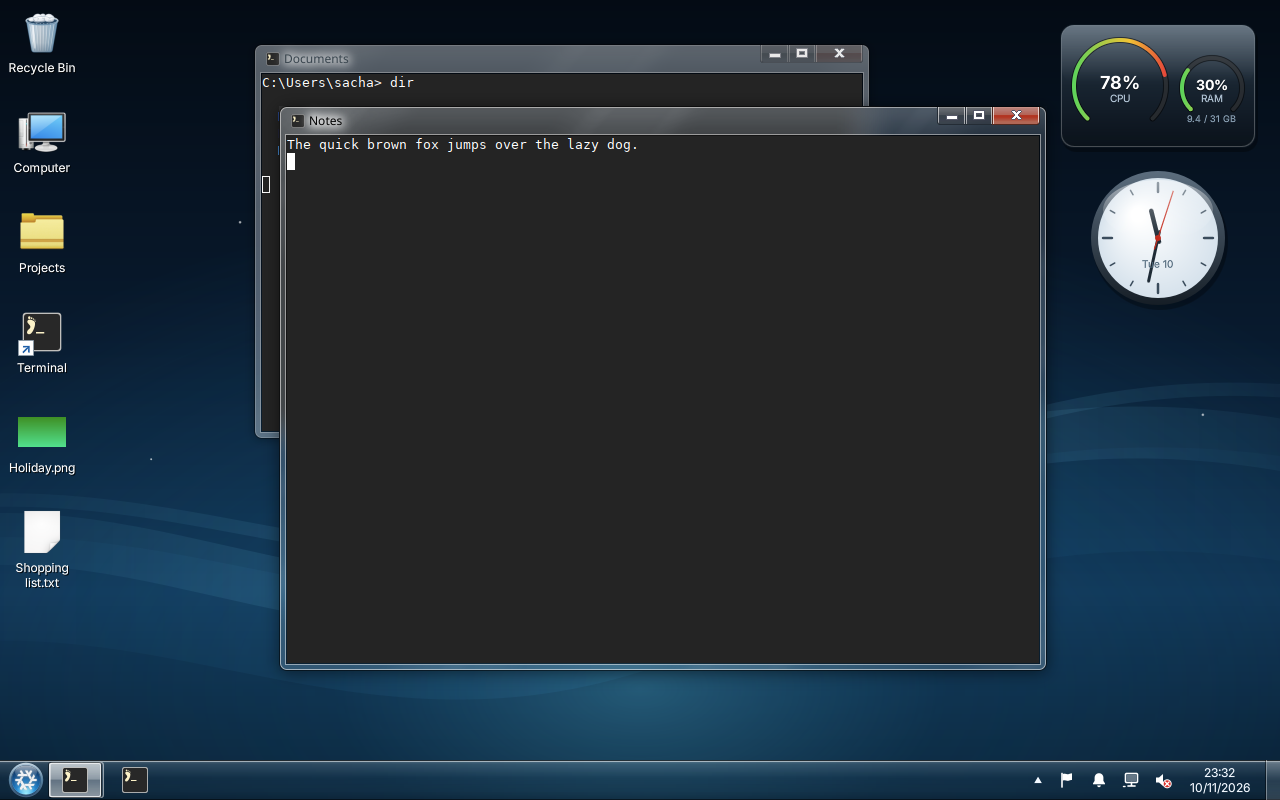
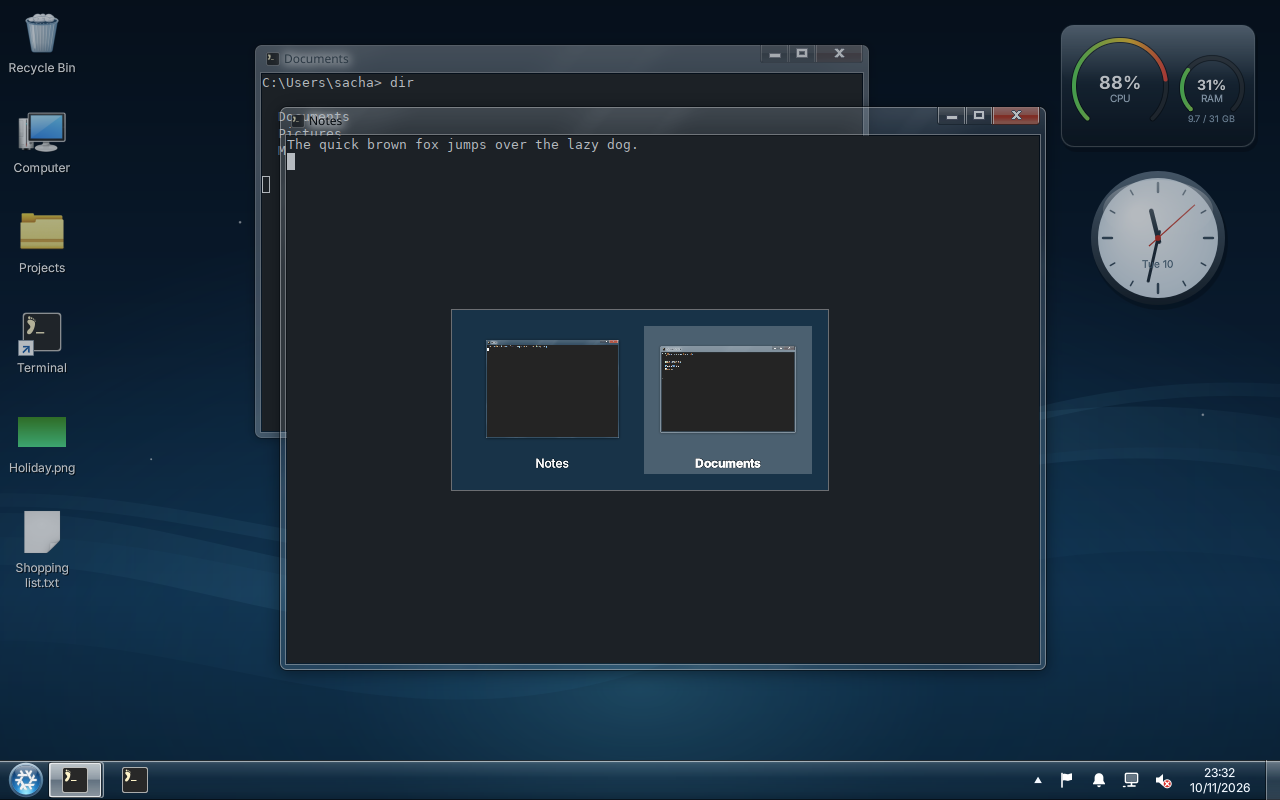
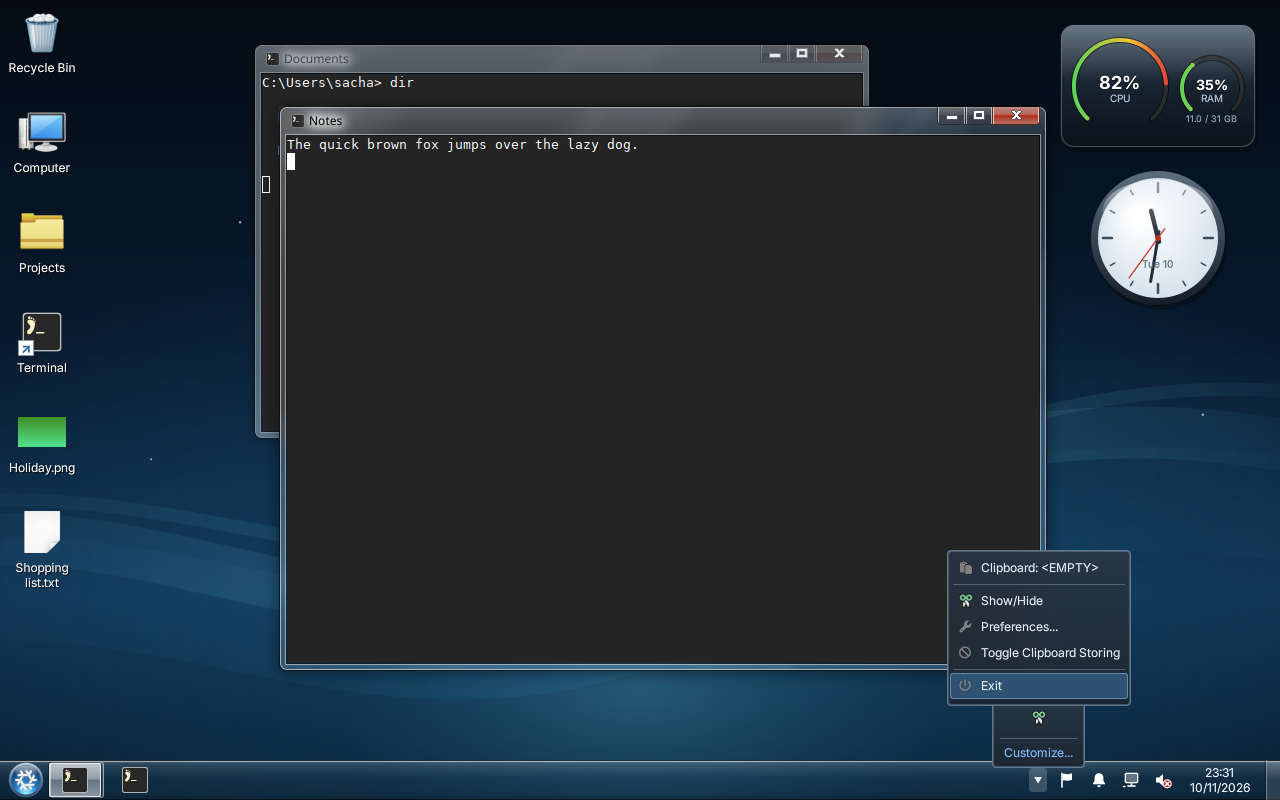
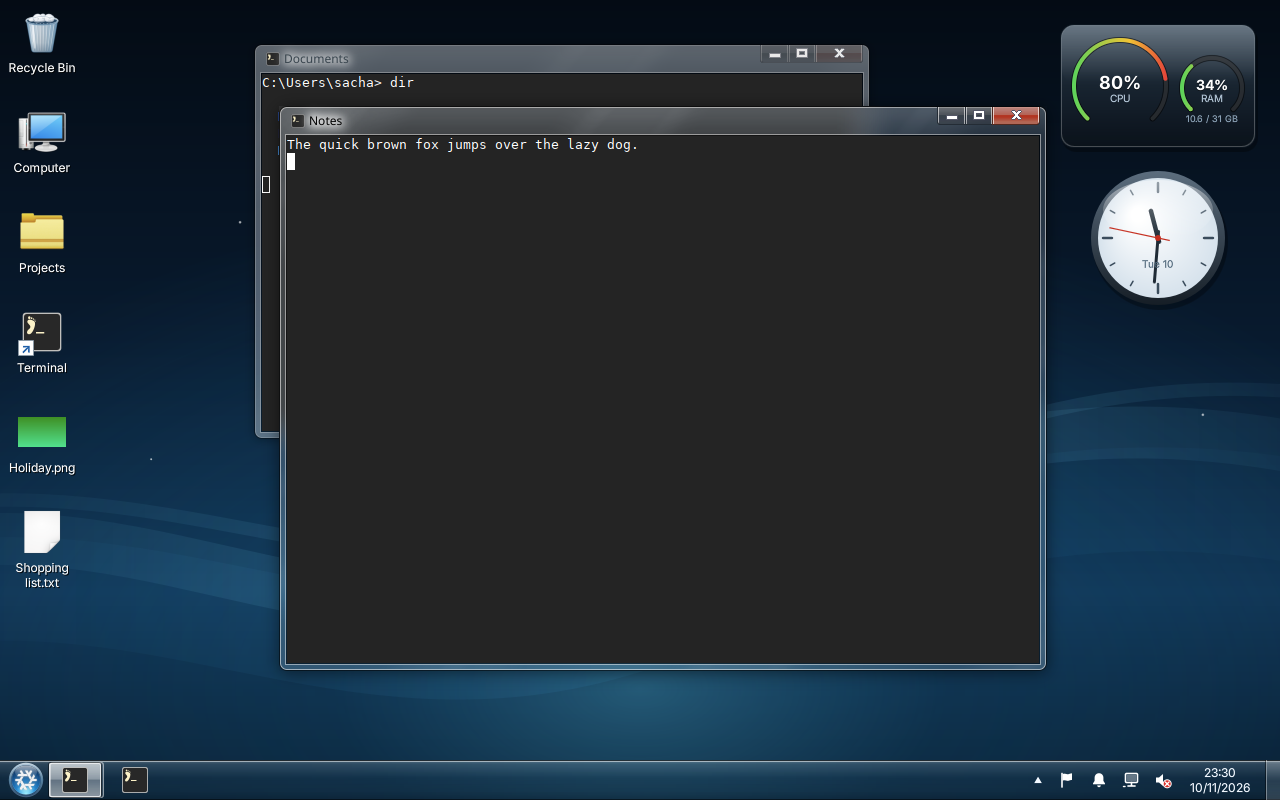
shojiwm-win7 is a configuration for ShojiWM, the Wayland compositor you configure in TypeScript. The compositor draws the window frames: a blurred glass caption bar, the caption buttons and a thin glossy border. A Quickshell shell draws the rest: the taskbar, the Start menu, the notification area, the Control Panel and the lock screen.
No file from Windows is copied, embedded or required. The artwork is original, except the colour icons, which come from KDE's Oxygen icons (LGPL).
What you get
- Glass window frames with Windows 7's caption buttons, Aero Snap, Aero Peek and Alt+Tab.
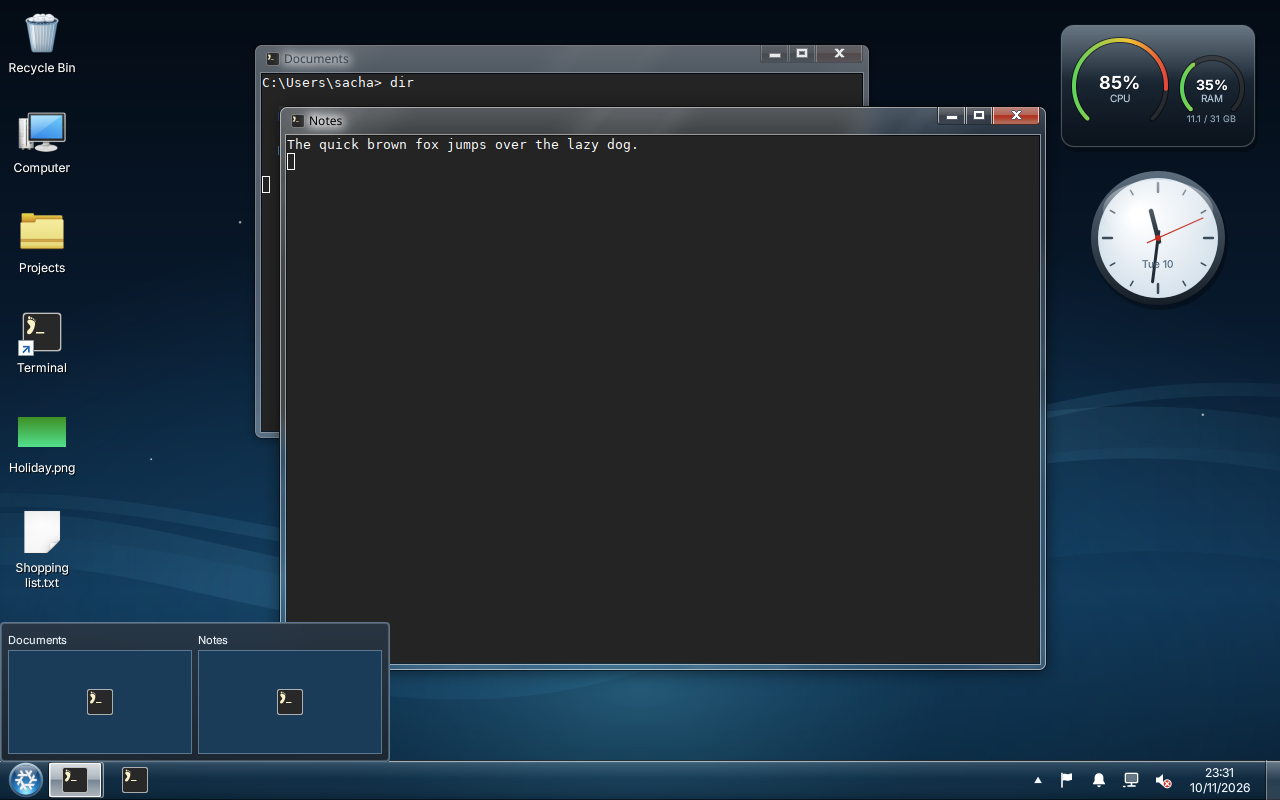
- A taskbar with combined buttons, pinned programs, thumbnails, jump lists and button progress.
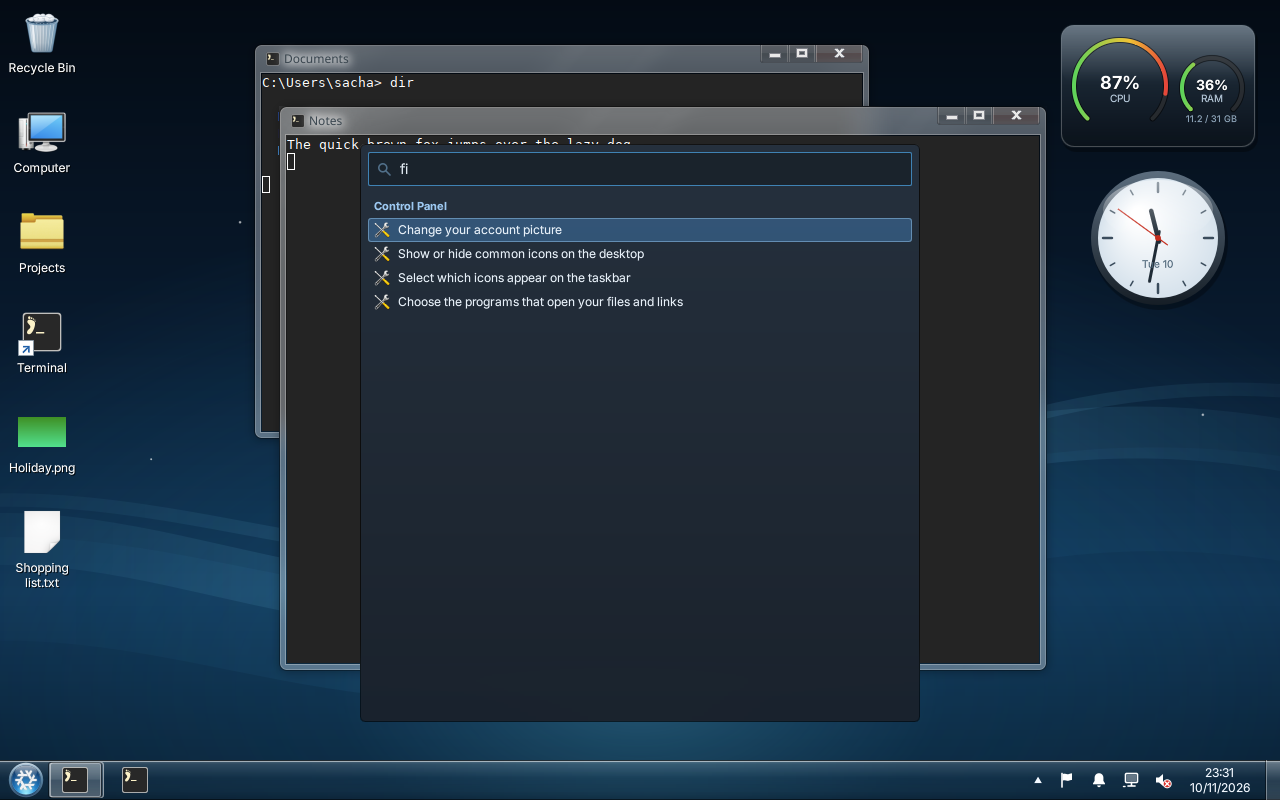
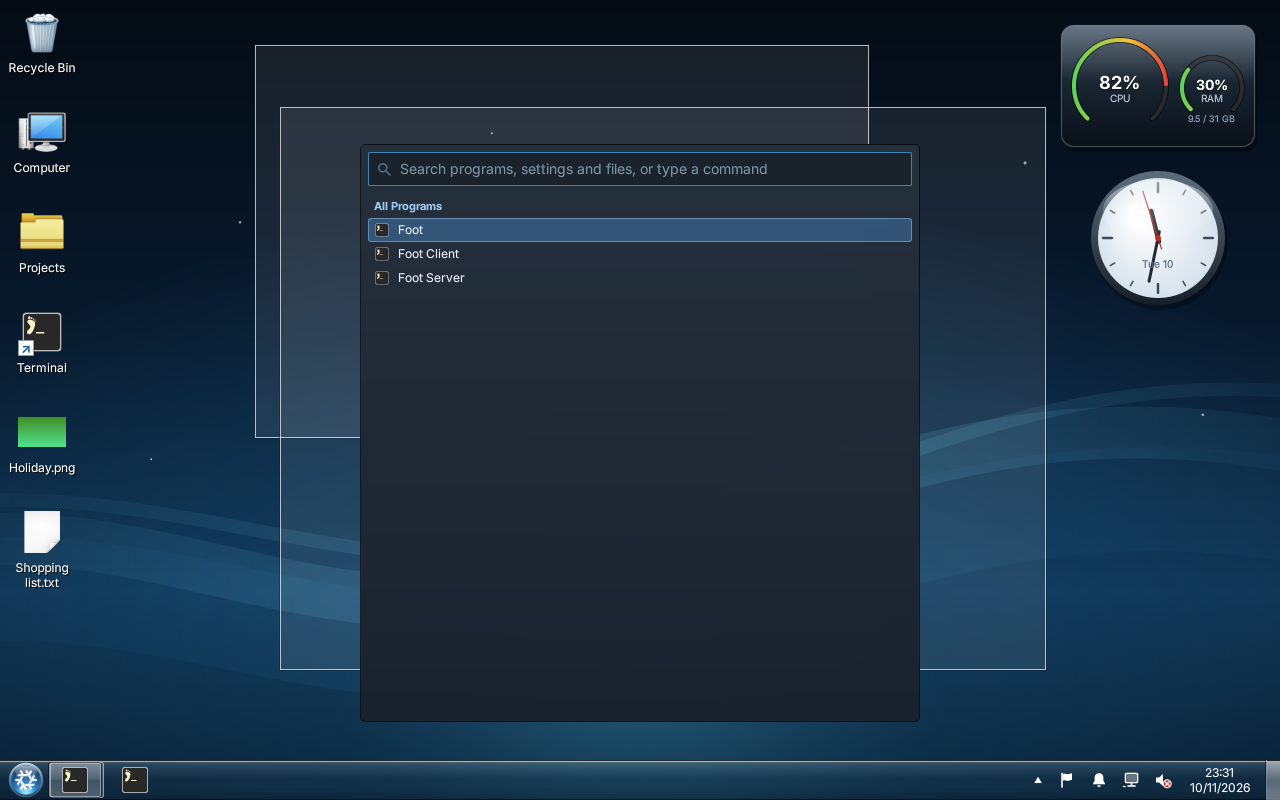
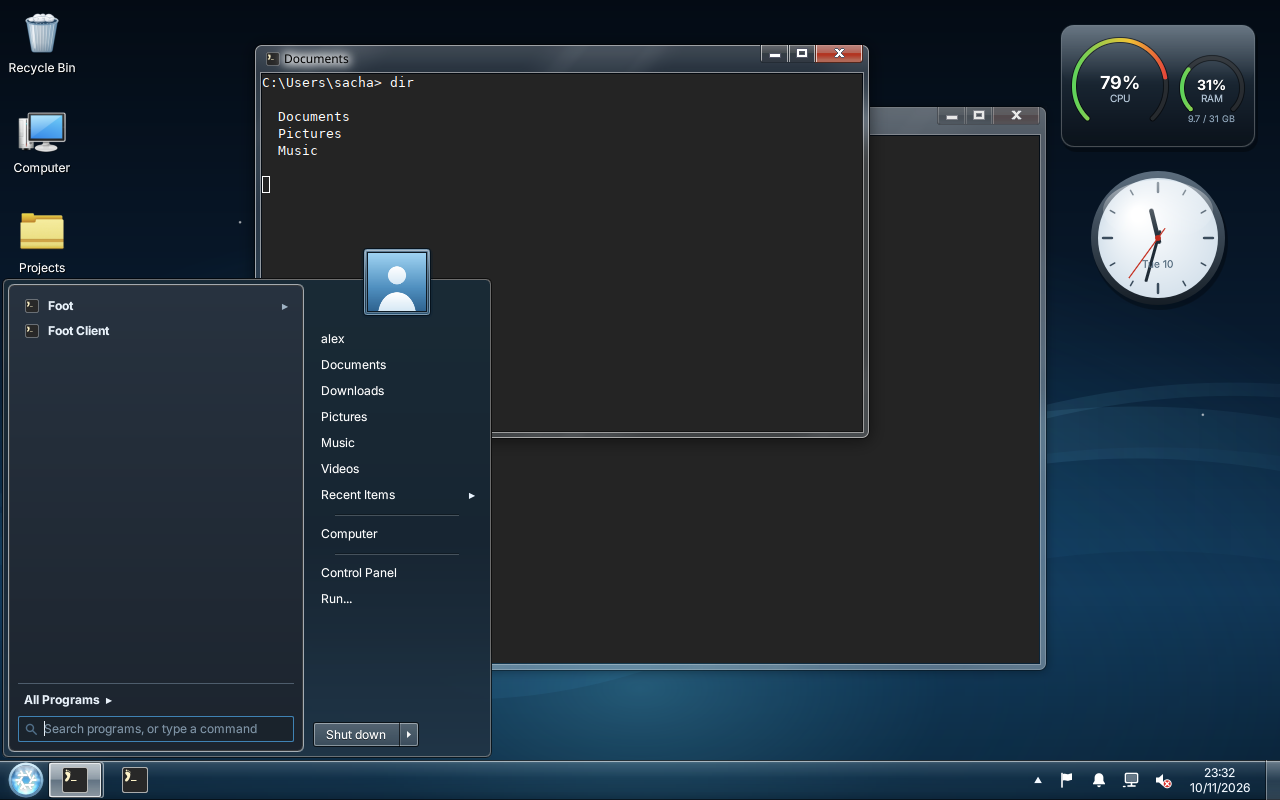
- A Start menu with search, All Programs, your folders and a power button; a launcher and a Run dialog.
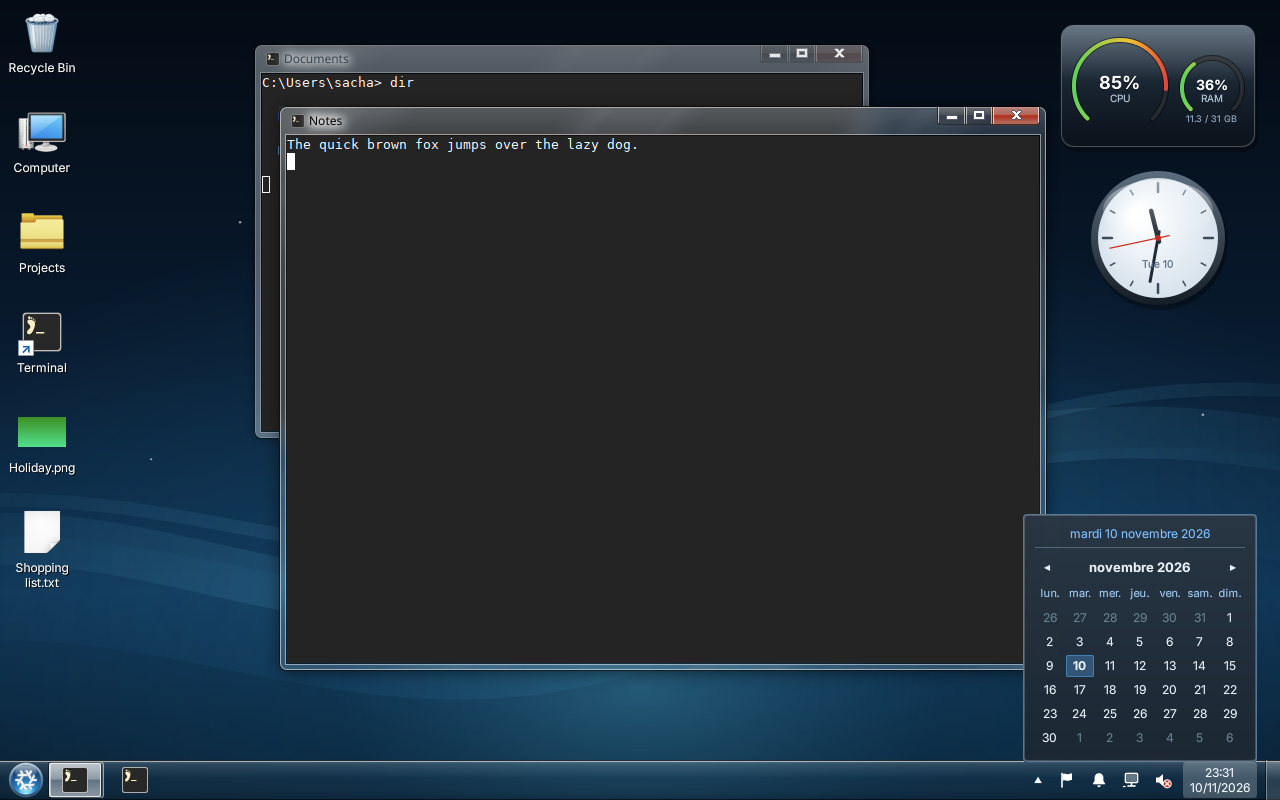
- The notification area: network, volume, Bluetooth, notifications, Action Center, the clock and its calendar.
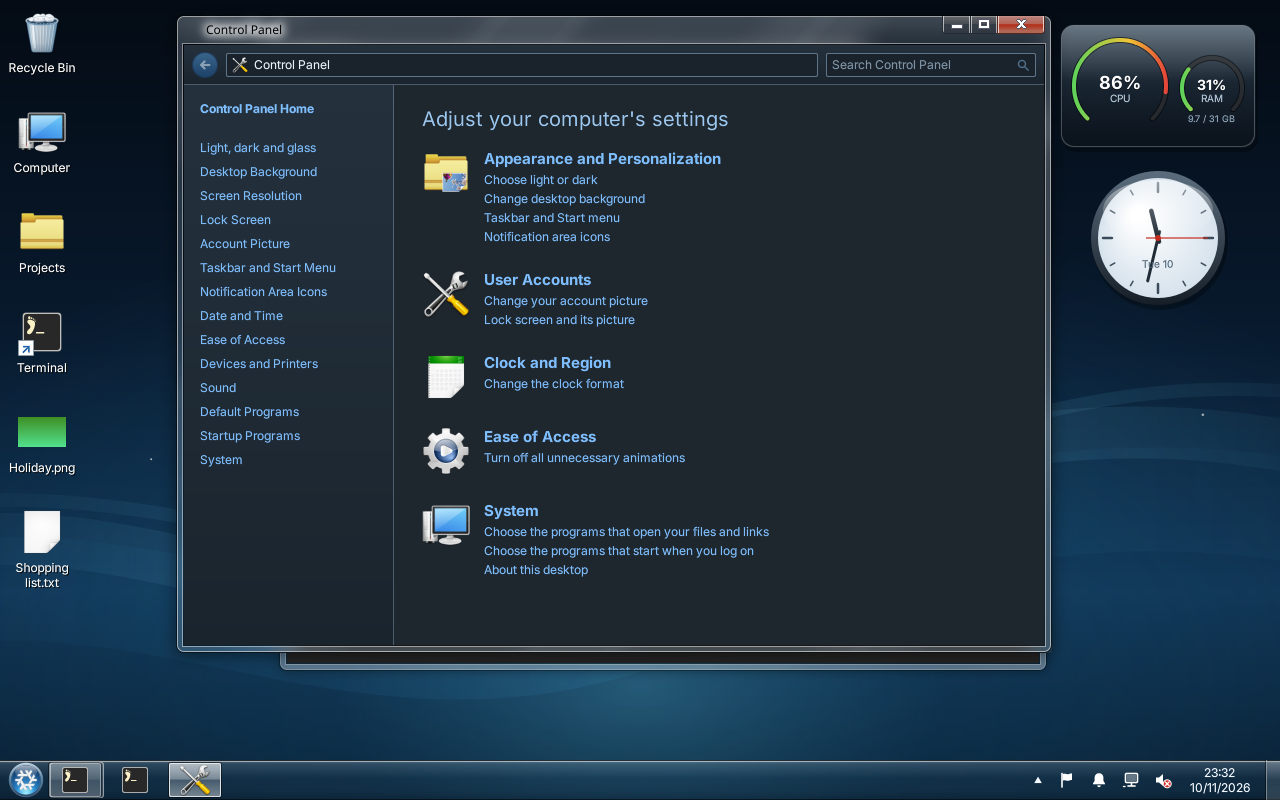
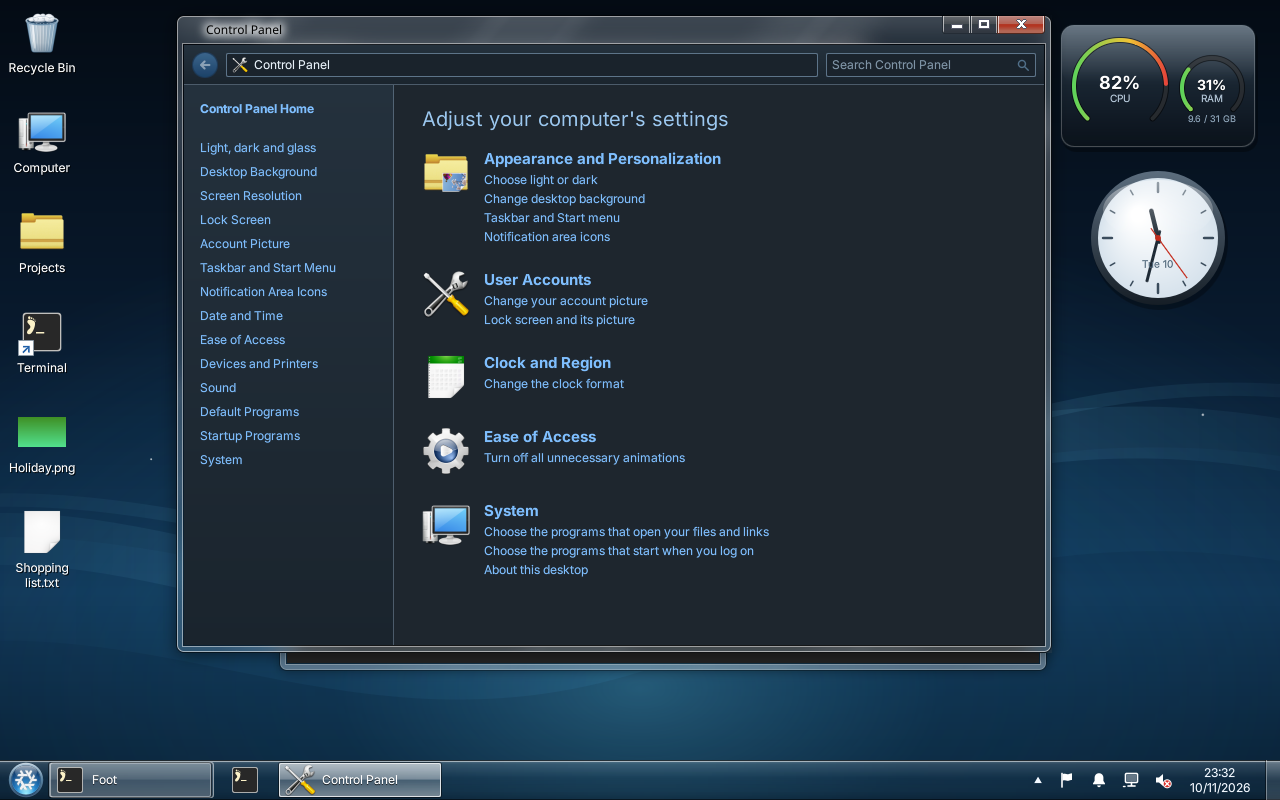
- A Control Panel: background, colours, light and dark, screens, sound, default and startup programs.
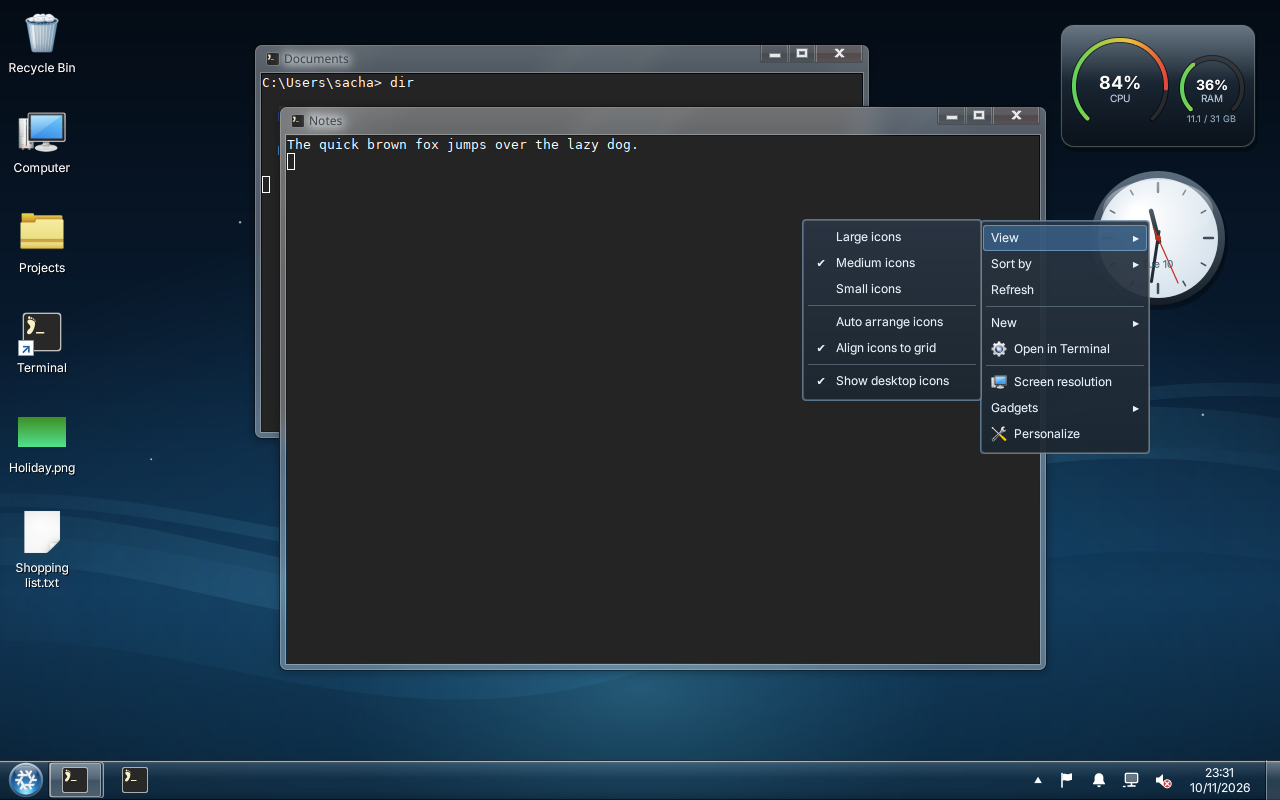
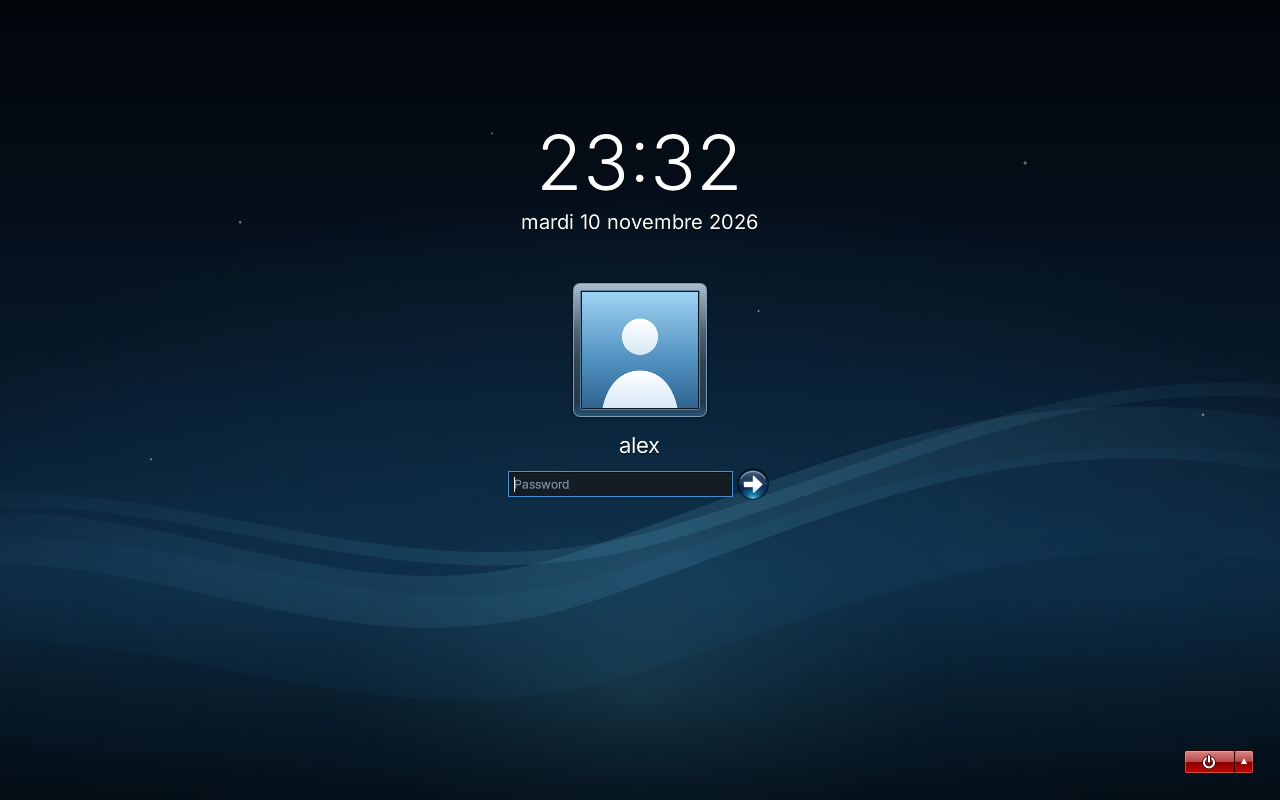
- Desktop icons, sticky notes, gadgets, a lock screen, a screen saver, and a log-on screen for greetd.
Install
You need ShojiWM from the integration branch of
sachahjkl/ShojiWM, and Quickshell 0.3.0
or later. The README lists the rest.
With Nix, install the configuration into ~/.config/shojiwm:
nix run github:sachahjkl/shojiwm-win7#installWithout Nix:
git clone https://github.com/sachahjkl/shojiwm-win7.git
cd shojiwm-win7
mkdir -p ~/.config/shojiwm
rm -rf ~/.config/shojiwm/src ~/.config/shojiwm/assets ~/.config/shojiwm/shell
cp -R src assets shell package.json tsconfig.json ~/.config/shojiwm/
Then start the ShojiWM session, or press Super+Shift+R to reload a running one.